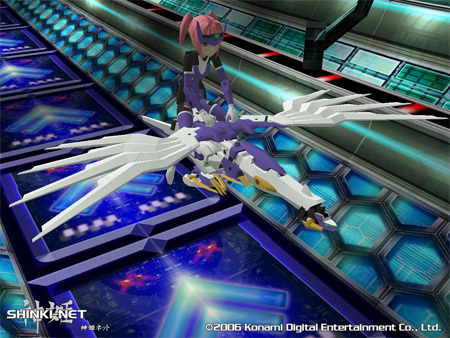
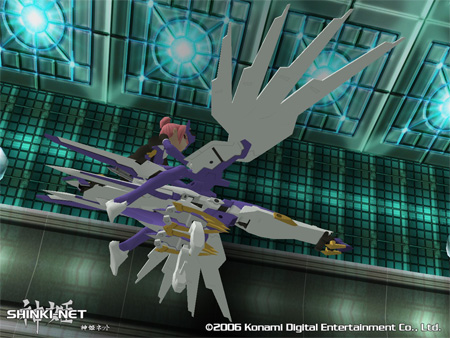
Screenshots taken with Konami’s Diorama Studio software. This one features Siren Eukrante in the space station diorama background.
In the wild, mouse at the ready, hunting down links
Screenshots taken with Konami’s Diorama Studio software. This one features Siren Eukrante in the space station diorama background.
Posted in Diorama Studio, Software.
Comments Off on Get Ride! Eukrante
– Monday, June 25, 2007
A Busou Shinki mecha.
A creative Diorama Studio creation by kurotora.
Marvel’s Civil War: a summarised reenactment.
Memo to myself: must work “Pchew! Pchew!” into all future conversations.
Aizenborg. [via]
This is the most incredible clip I’ve seen on YouTube in a while. There’s so much going on here it’s staggering. It’s live-action and anime. There’s a man and a woman gattai-ing without forming the beast with two backs. There’s a cyborg and a dinosaur. A flying jet with tank treads. A flamethrower. There’s kaiju-decapitation. An explosion. All this in a single clip lasting *pchew! pchew!* 2 minutes and 30 seconds.
Posted in Web.
Comments Off on Elsewhere on the web
– Friday, June 22, 2007
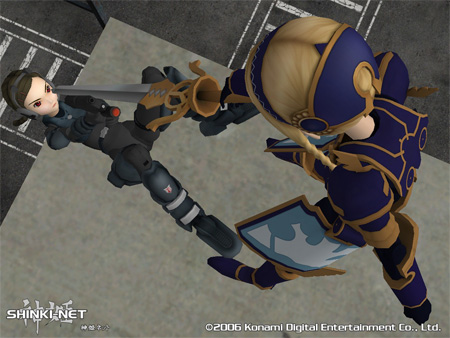
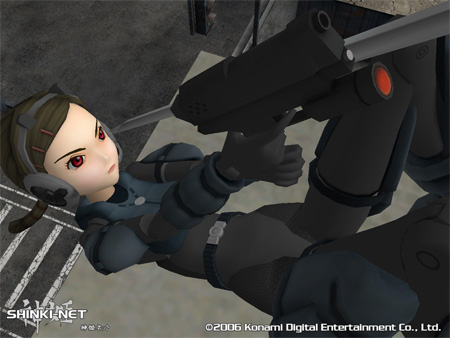
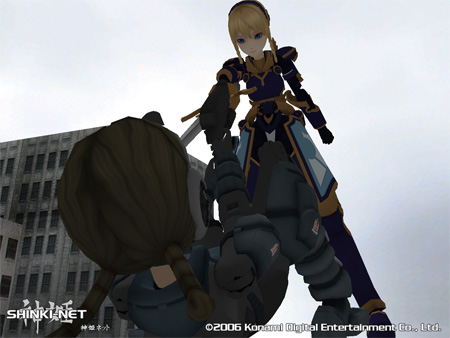
A digital diorama done with Konami’s fantastic Diorama Studio software. Starring WaffeBunny and Xiphos in the Ghost Town diorama background.
Posted in Diorama Studio, Software.
Comments Off on Gun x Sword
– Thursday, June 21, 2007
Previously, I showed you how to display Japanese text correctly in Diorama Studio and the ShinkiNET Launcher. I’m now going to provide some recommendations for optimising things.
Posted in Diorama Studio, Software.
Comments Off on Displaying Japanese text in Windows XP 3/3
– Thursday, June 21, 2007
In a previous guide, I showed you how to display Japanese text correctly in Konami’s Diorama Studio program. As mentioned previously, you cannot launch the Diorama Studio executable directly. You will have to launch Diorama Studio through the ShinkiNET Launcher.
Mysteriously, even after configuring Windows XP to display Japanese text correctly in Diorama Studio, the ShinkiNET Launcher will still display gibberish like this:
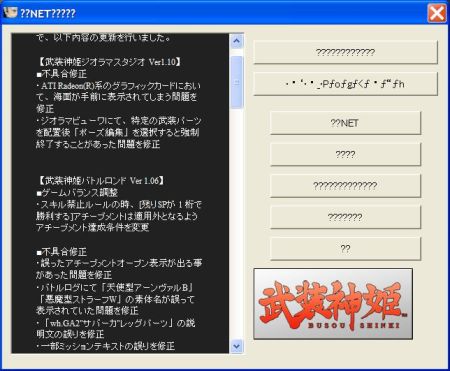
Now you don’t actually have to display the Japanese text correctly in the ShinkiNET Launcher. There are only seven options in the ShinkiNET Launcher and Diorama Studio is the first. So, there’s no great need for you to change your Windows XP language settings. On top of that, some non-Japanese programs might lose some functionality or behave oddly when the Windows XP language settings are changed so I would actually recommend not doing this.
However, if you would like to see the Japanese text display correctly in the ShinkiNET Launcher as well, here’s how you go about it.
Posted in Diorama Studio, Software.
Comments Off on Displaying Japanese text in Windows XP 2/3
– Thursday, June 21, 2007
