Skip to content


Pain and more pain

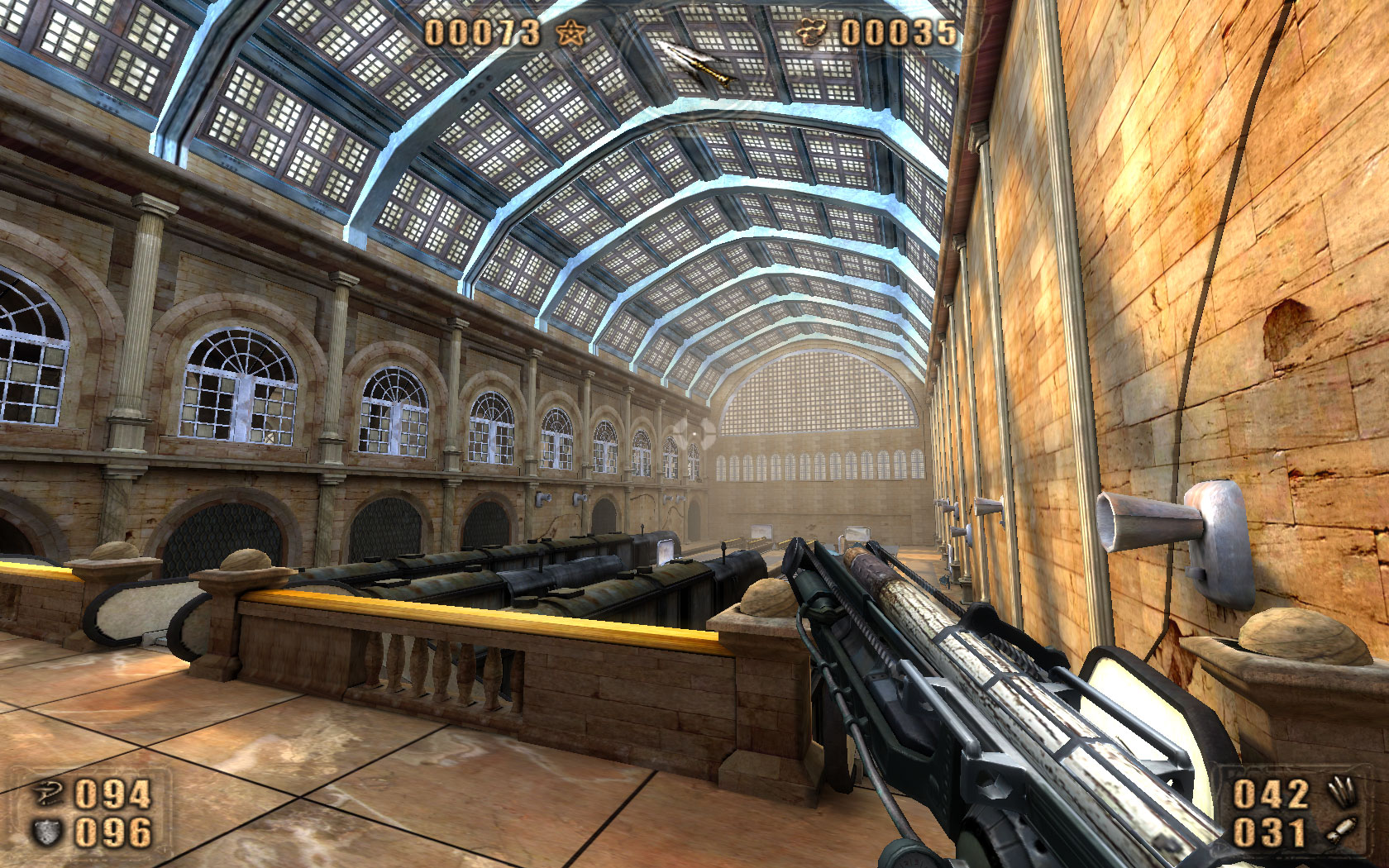
Painkiller: Train Station
I completed the third chapter of Painkiller today.

Each chapter of the game features multiple levels with unique settings but the gameplay is pretty much the same thing every time. It’s always quiet when you begin. You have a moment or two to admire the beautiful graphics of the setting.
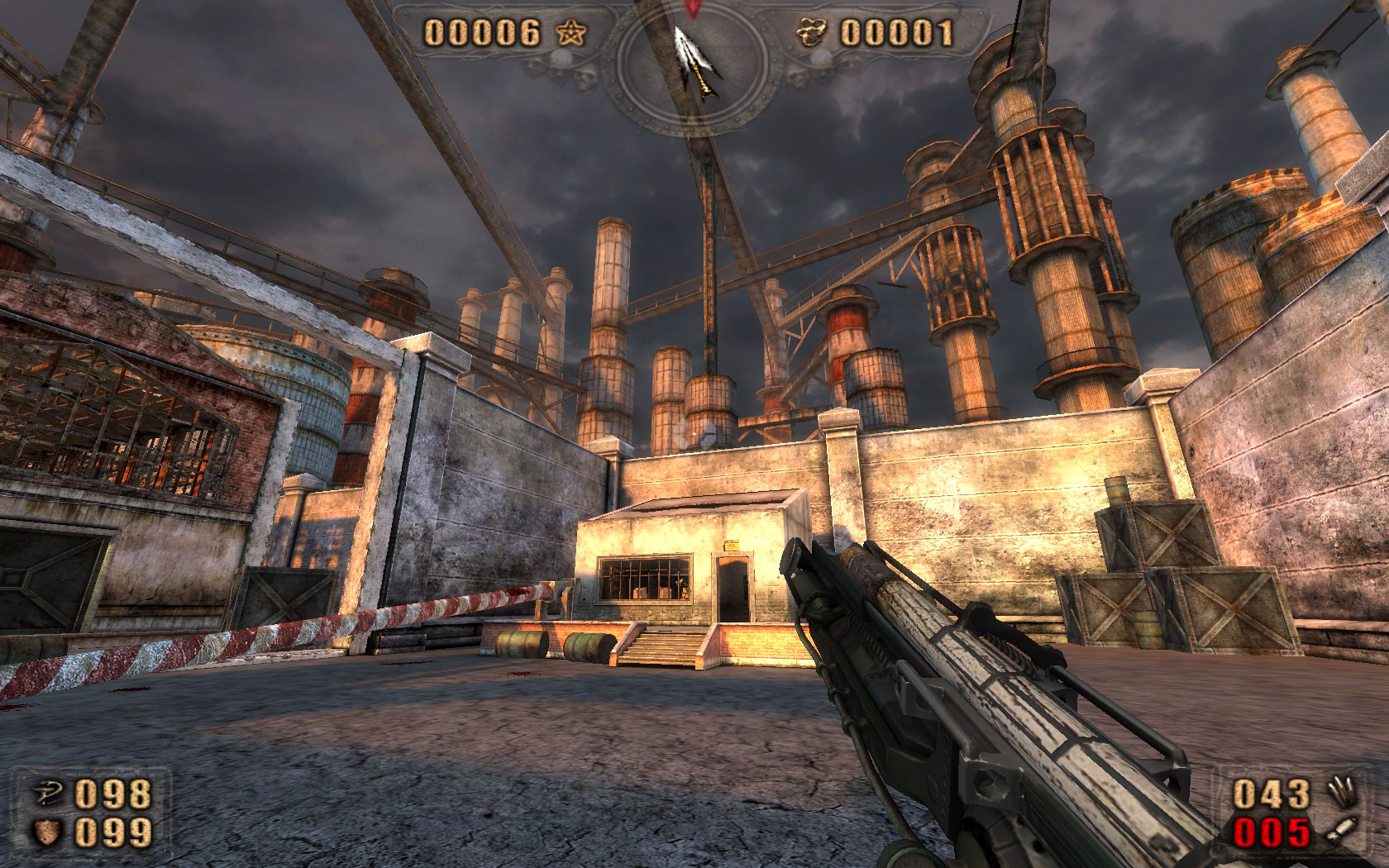
Painkiller: Old Factory
Then you take one step too many and all hell breaks loose. Doors slam shut, sealing you in. The guitar-heavy battle music signals the emergence of demonic hordes from their hiding places. There’s barely time for a “Oh, shi-i-i-i-i- …” before they’re on you.
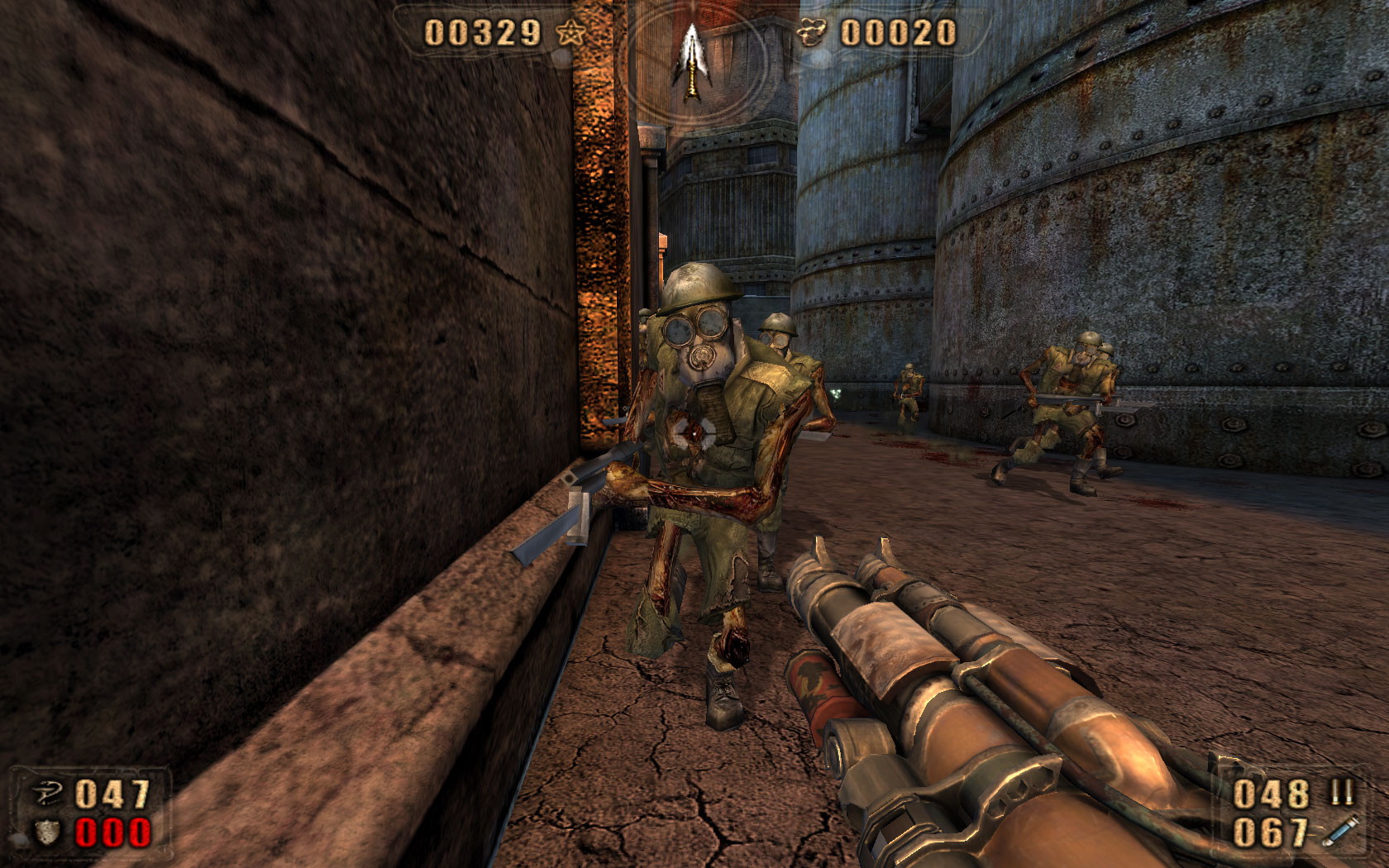
Painkiller: Old Factory
The waves seem interminable. Too many, way too many, you think as you back off to buy more time. Well, keep clicking that mouse, buckaroo, and you just might make it to the next checkpoint.

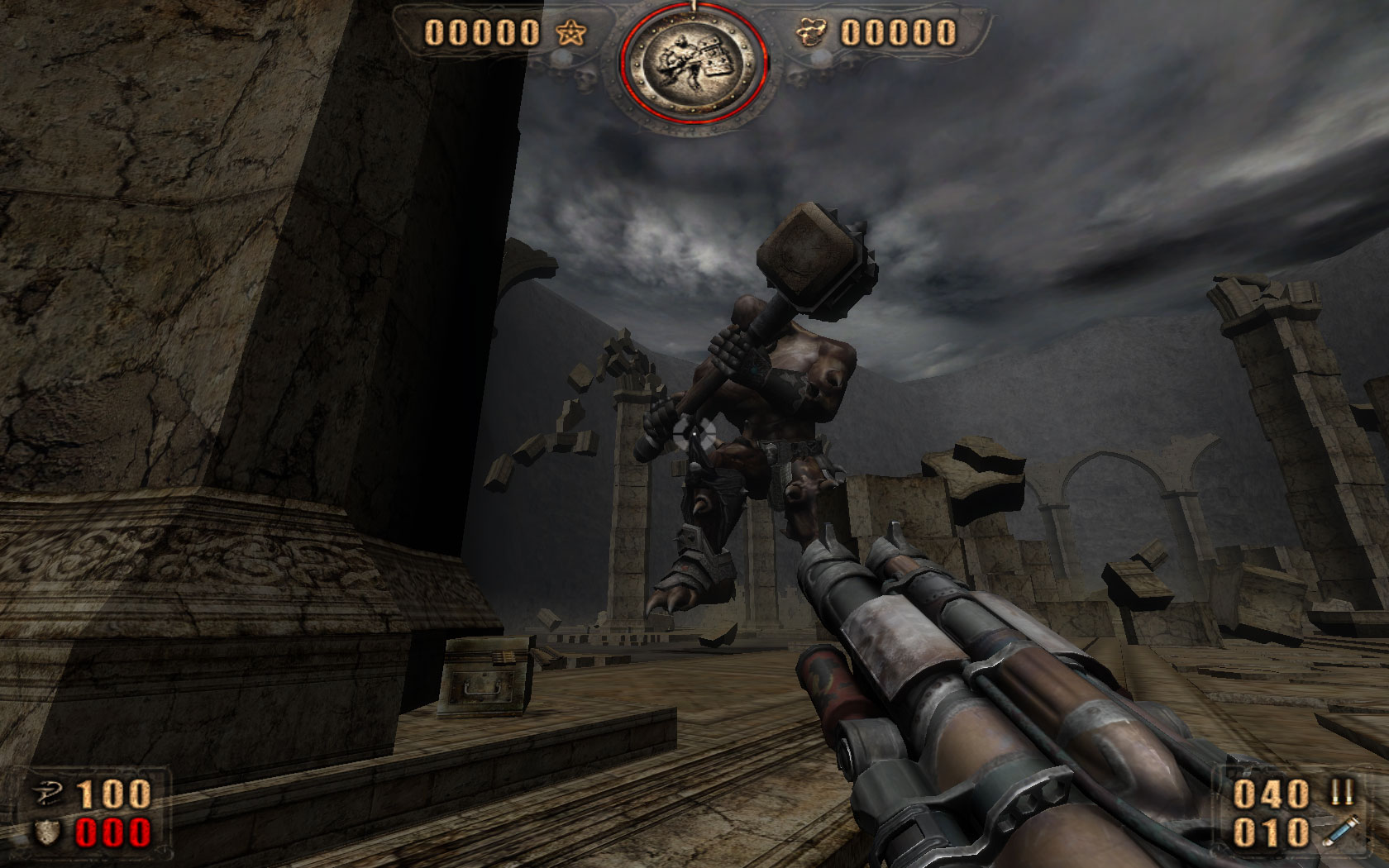
Giant-killer

Each chapter concludes with a boss battle and as I previously noted, the bosses in the game tend to be gargantuan.
Painkiller: Guardian
Like most bosses in games, the ones in Painkiller happen to be tricksy. They each have unique special attacks that are so overpowered I’m often left laughing in a you-gotta-be-kidding-me way.
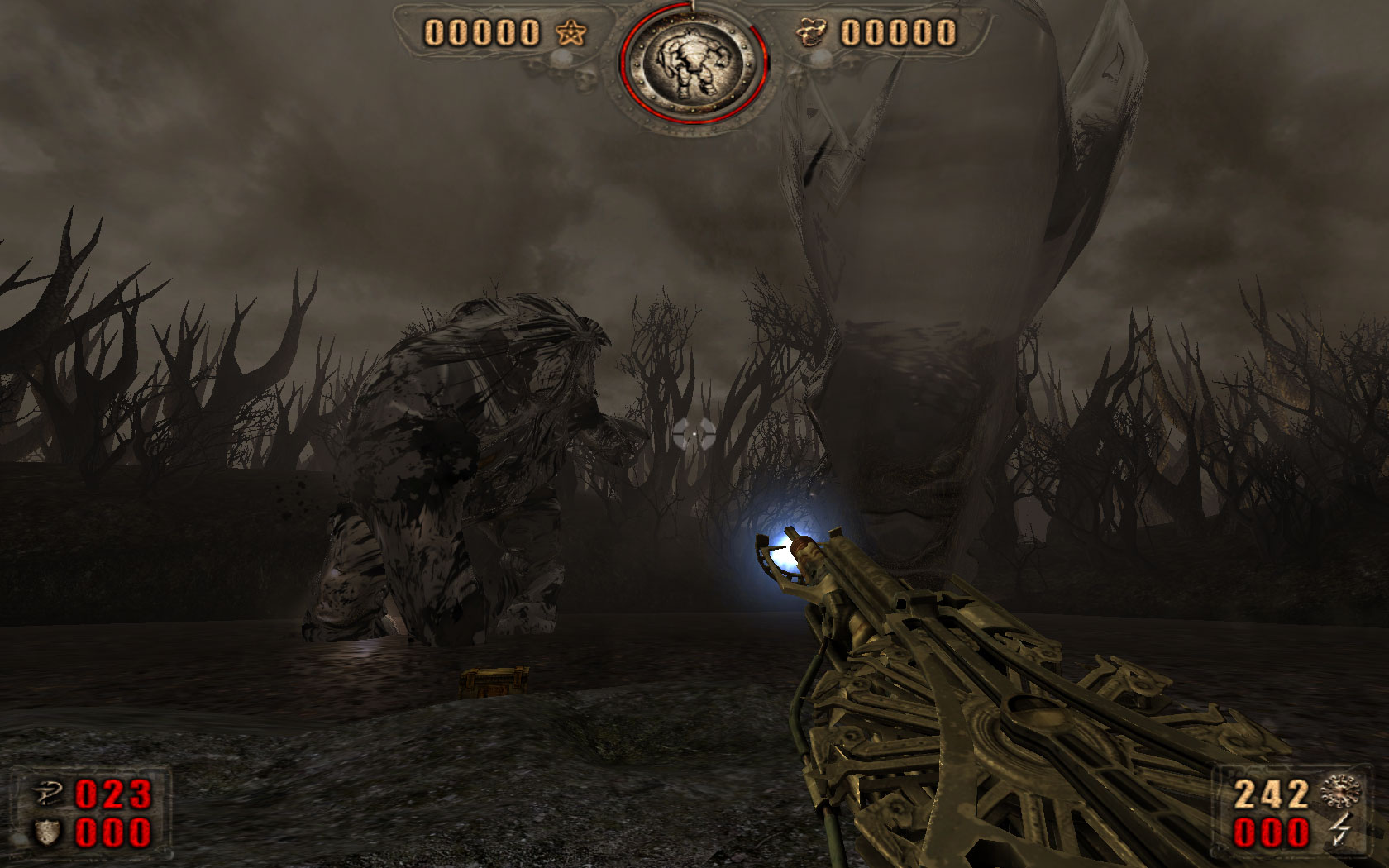
Painkiller: Swamp Thing
Once you figure out the bosses’ attacks and how to avoid them, you have to figure how to hurt them. This can be a little frustrating and involves a lot of trial and error not to mention deaths and reloads. One boss can only be hurt at at a specific moment while defeating another might require aiming at a specific part.

I would have much preferred straightforward shootouts but considering the rest of the game features frenzied shooting ‘n’ scooting the change of style is probably for the best.

Posted in Games.


Well, that didn’t take too long

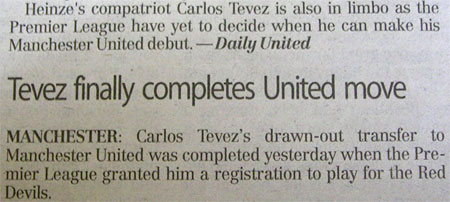
From page 76 of today’s New Straits Times:
Tevez saga

Posted in Football.


Strike a pose 9/52

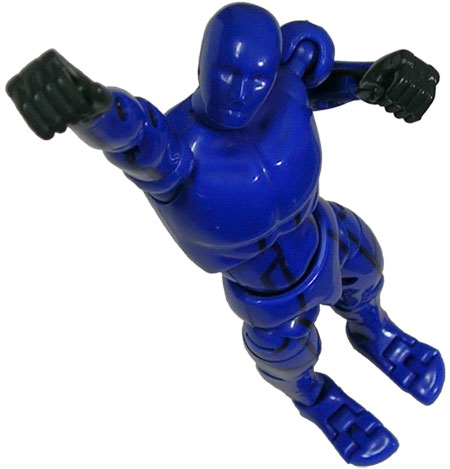
Takara Tomy Action Hero Pro: strike a pose

Every boy in my neighbourhood would stop whatever he was doing when Ultraman was on and we would reenact the episode after that. This reenactment would consist solely of we kids beating each other up.

Posted in Pix, Strike a pose, Toys.


Elsewhere on the web

Stikfas Cuboyds Transformers customs.
Very cool.

Head on!
Good sculpt. Excellent paint apps. Very lifelike. Strongly recommended.

Galactus, devourer of worlds.
Armageddon with a smile.

Posted in Web.


Painkiller on widescreen, dual core

Painkiller has recently gone on sale over at Steam. For less than 10 bucks, you get Painkiller plus the expansion and I think that’s a steal.

I’m only in the second chapter of the game but I’ve been having a blast. The game is an entertaining old-school shooter done with new-school technology.

(Shotgun + ragdoll physics = endless amusement.)

The version on Steam has been patched to 1.64 and is approximately 3.4GB in size. The download includes the manual in PDF format (which can also be downloaded separately from the product page) and a readme text file with addendum.

The game support widescreen resolutions including the 1680×1050 native resolution of my Dell 2007WFP. I had to change a setting to increase the field of view, though.

To do this, dig down to the following folder:

Steam\steamapps\common\painkiller gold edition\Bin

Then locate the config.ini file. Find the line that reads:

cfg.FOV = 95

Since I had a 16:10 display, I changed that to read:

cfg.FOV = 105

There are screenshots on the Widescreen Gaming Forum page I linked above that illustrate the differences between the two settings.

Screenshots are taken with the F12 key and saved in the BMP format. They’re stored in:

Steam\steamapps\common\painkiller gold edition\Data\Screenshots

rather than:

Steam\steamapps\common\painkiller gold edition\Screenshots

I have no idea why there are two screenshot folders.
Painkiller: Paris Opera House
I optimistically set every graphics and audio setting at maximum but I was thoroughly crushed to find the in-game performance awful. Movement was in slow-motion and jerky on top of that.

The problem was actually not due to anaemic hardware. In fact, the opposite was true. My hardware is too damn good for the game. It’s specifically caused by the game not knowing how to deal with my AMD X2 4400+ dual core processor despite my having installed the AMD Dual Core Processor Windows XP driver. The fix for this is to get the AMD Dual Core Optimizer. Once I applied the optimizer I got silky smooth performance.

The game seems stable. The only trouble I had was when the game seemed to freeze at the start of the Paris Opera House level. The game recovered after about a minute, though, and I was soon waging battle against Dark Ninja and Evil Samurai.
Painkiller: Paris Opera House
I’m sure there’s some deep socio-cultural insight to be gained from the fact the protagonist is battling evil Japanese warriors within a symbol of European high culture but I’m not capable of offering anything other than this: the Phantom of the Opera would have been a much shorter book if the Vicomte de Chagny had a Stakegun with a Grenade Launcher attachment.

Posted in Games.